Choosing a plan: Essentials, Growth, and Studio
What each Social Valet plan includes, who it's for, and how to pick the right one.
Written By Nick
Last updated About 13 hours ago
Social Valet has three plans, so you can match your setup to how your business runs. All of them share the same core: albums, posts written in your brand voice, and auto-scheduling. They differ in where you can publish, how often, and how many brands you can run.
For current prices, see the pricing page.
The three plans
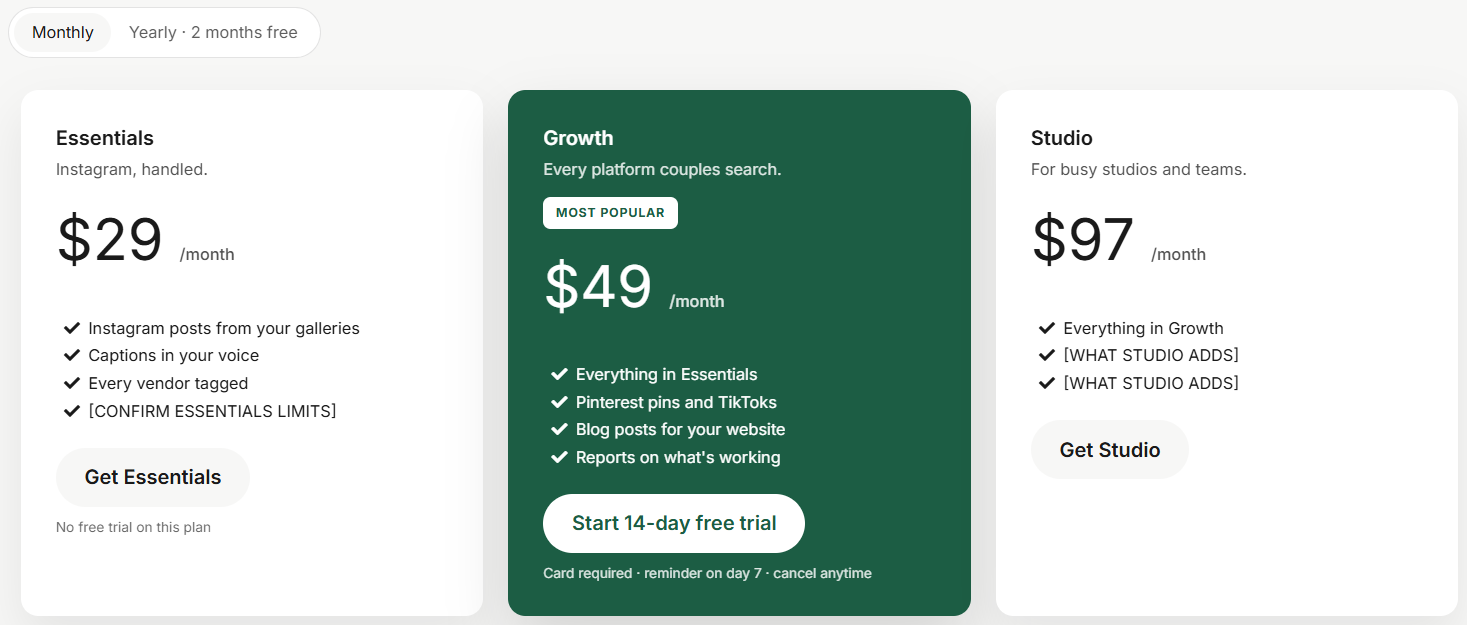
Essentials: a focused start on Instagram
Instagram publishing
Up to 3 Social Valet posts published to Instagram each week
One brand
Essentials is for vendors who want a simple, steady Instagram presence without managing other platforms.
Growth: everything for one brand
Publishing to Instagram, Pinterest, and WordPress, with TikTok coming soon
No weekly post limit. Set Instagram to Automatic or up to 7 posts a week.
One brand
Growth is the full Social Valet experience. If you were on the Pro plan, you've been moved to Growth automatically and kept all the features you had.
Studio: three brands, one login
Everything in Growth, for up to 3 brands
Each brand gets its own workspace: albums, posts, brand voice, platform connections, calendar, and team
One subscription and one login. Move between brands with the account switcher.
See Managing multiple brands with Studio for how it works.
Included in every plan
Albums with AI photo descriptions, tags, and moments
Posts written in your brand voice
Brand voice training
Review and approval before anything publishes
Auto-scheduling and the calendar
Sharing albums with other vendors
Team members
Your free trial
New accounts start with a 14-day free trial. Growth is selected by default when you sign up, and you can choose Studio instead if you run more than one business. You won't be charged until the trial ends.

To end up on Essentials, start your trial on Growth and switch from Settings → Billing and Subscription at any time before the trial ends. You keep Growth features until the trial is over, and then Essentials begins. Around day 7, we'll email you a reminder with the option to keep Growth or switch to Essentials.
How the Essentials limits work
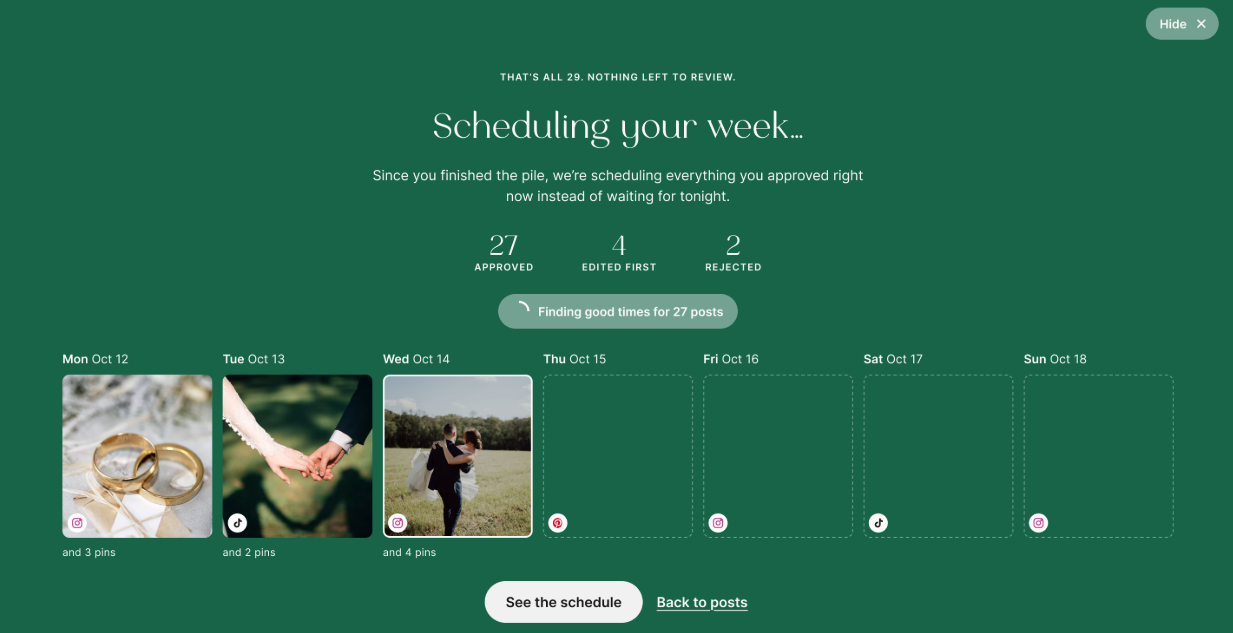
3 posts a week on Instagram. Only posts Social Valet publishes count toward the limit. Posts you publish directly in Instagram don't.
Extra approved posts wait their turn. Approved posts beyond the weekly limit stay on your Approved bench and publish in the weeks that follow. A counter on the Instagram view of your Posts page shows "X of 3 posts this week." When posts are waiting, a banner tells you how many are ready.
Posting frequency of 1, 2, or 3 days a week. Automatic and 4 through 7 are grayed out.
Pinterest, WordPress, and TikTok are locked. They show a lock and an Upgrade button in Platform Management. If you connected any of them before switching to Essentials, they stay connected, but their posts show "Upgrade to publish" and don't go out.
Which plan is right for you
You only post to Instagram, a few times a week: Essentials
You want Pinterest or your blog, or more than 3 Instagram posts a week: Growth
You run two or three businesses (for example, a photography studio and a videography brand): Studio
If something goes wrong
You can't select Essentials when signing up. Trials start on Growth or Studio. Switch to Essentials from Billing any time during your trial.
A platform shows a lock icon. You're on Essentials, and that platform needs Growth or Studio. Click Upgrade to see your options.
Fewer Instagram posts are going out than you approved. On Essentials, Social Valet publishes up to 3 a week. The rest wait on your Approved bench.
You were on Pro and don't see it anymore. Pro is now Growth. You have the same features, and nothing about your setup changed.
Next steps
Was this helpful?
Still need help? Ask the team