July 13th, 2026
New
Improved
Fixed
Β Intro: This release gives wedding vendors better ways to share albums, pull files in from cloud storage, and keep content moving without avoidable friction. It also clears a few frustrating blockers in publishing and Pinterest setup.
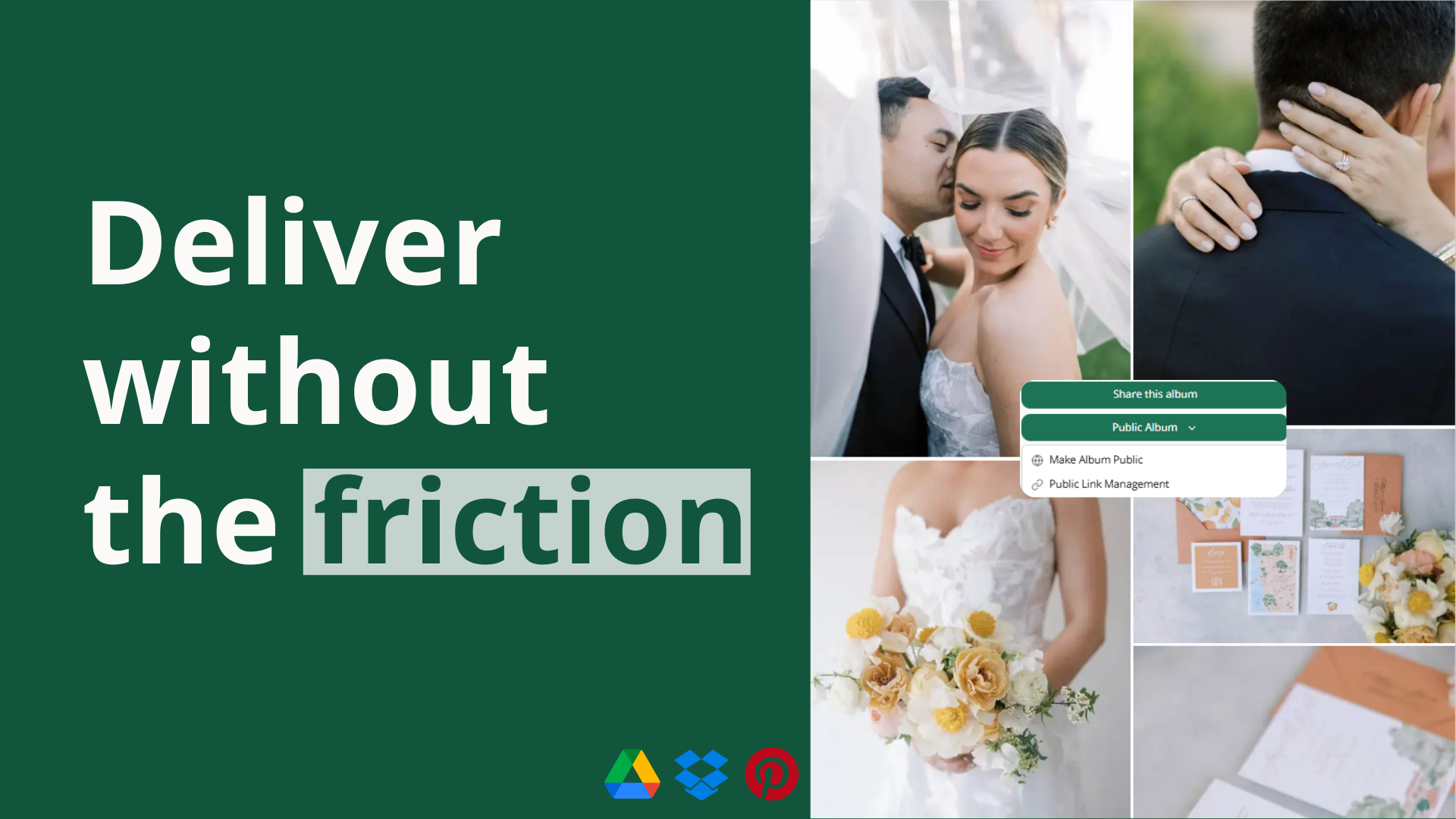
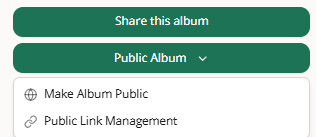
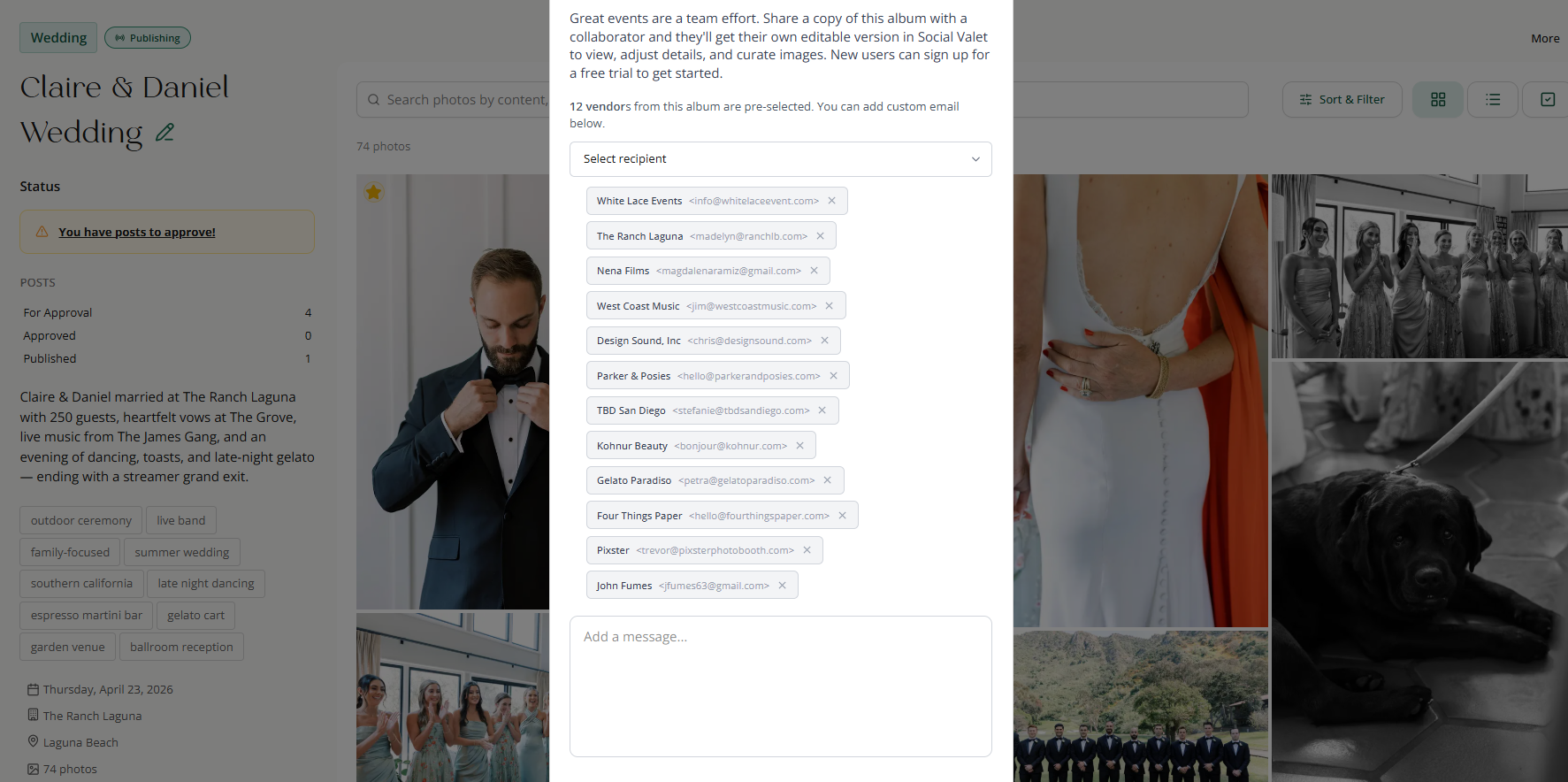
You can now create a public album link so it is easier to share your work with brides-to-be, add an album to your Instagram link, or send a polished gallery anywhere you want people to view your photos.
Choose whether vendors appear on the page. You can include vendor details when you want to highlight collaborators, or leave them out when you want a simpler public view.
Set expiration dates for time-sensitive sharing. Links can stay open as long as you want or expire on a schedule when you only want access available for a certain window.
Manage public links from inside the album. Create, copy, and turn off links easily, and quickly see which albums are already being shared.
Bringing content into Social Valet now takes fewer manual steps when your files already live in the cloud.
Pull files into an album without downloading them first. You can now import selected files from Google Drive or Dropbox directly inside Social Valet.
See what is happening during longer imports. Imports now show progress more clearly, surface failed files with usable feedback, and make retries easier when something does not come through the first time.
Pinterest setup should now feel more complete and less frustrating.
See the full set of boards on a connected account. The issue that limited board selection to a single Pinterest board has been fixed.
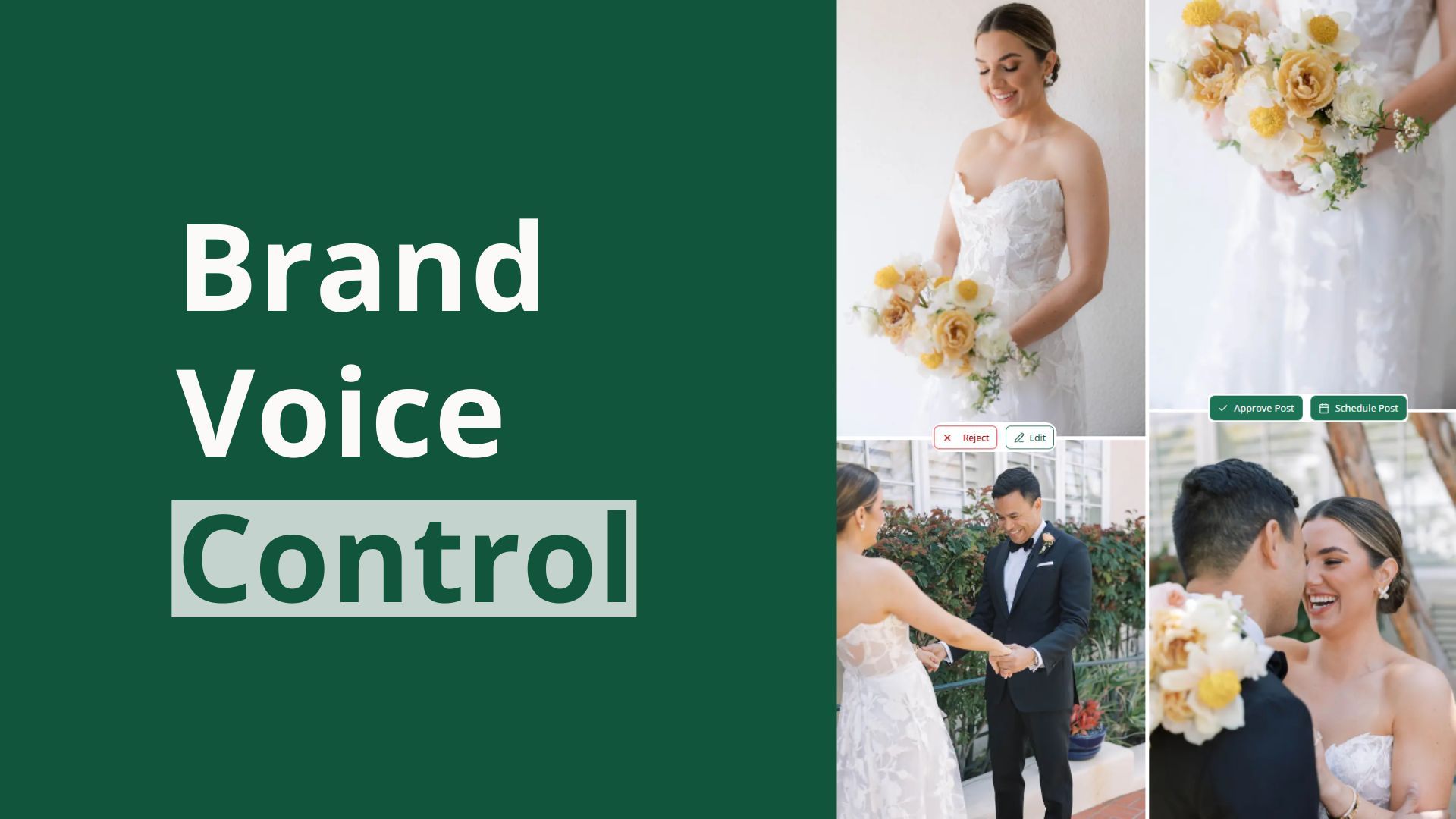
Keep Pinterest content closer to your brand voice. Pinterest-specific brand voice support is now better accounted for, helping generated content stay more consistent with how you want your business to sound.
July 2nd, 2026
New
Improved
Fixed

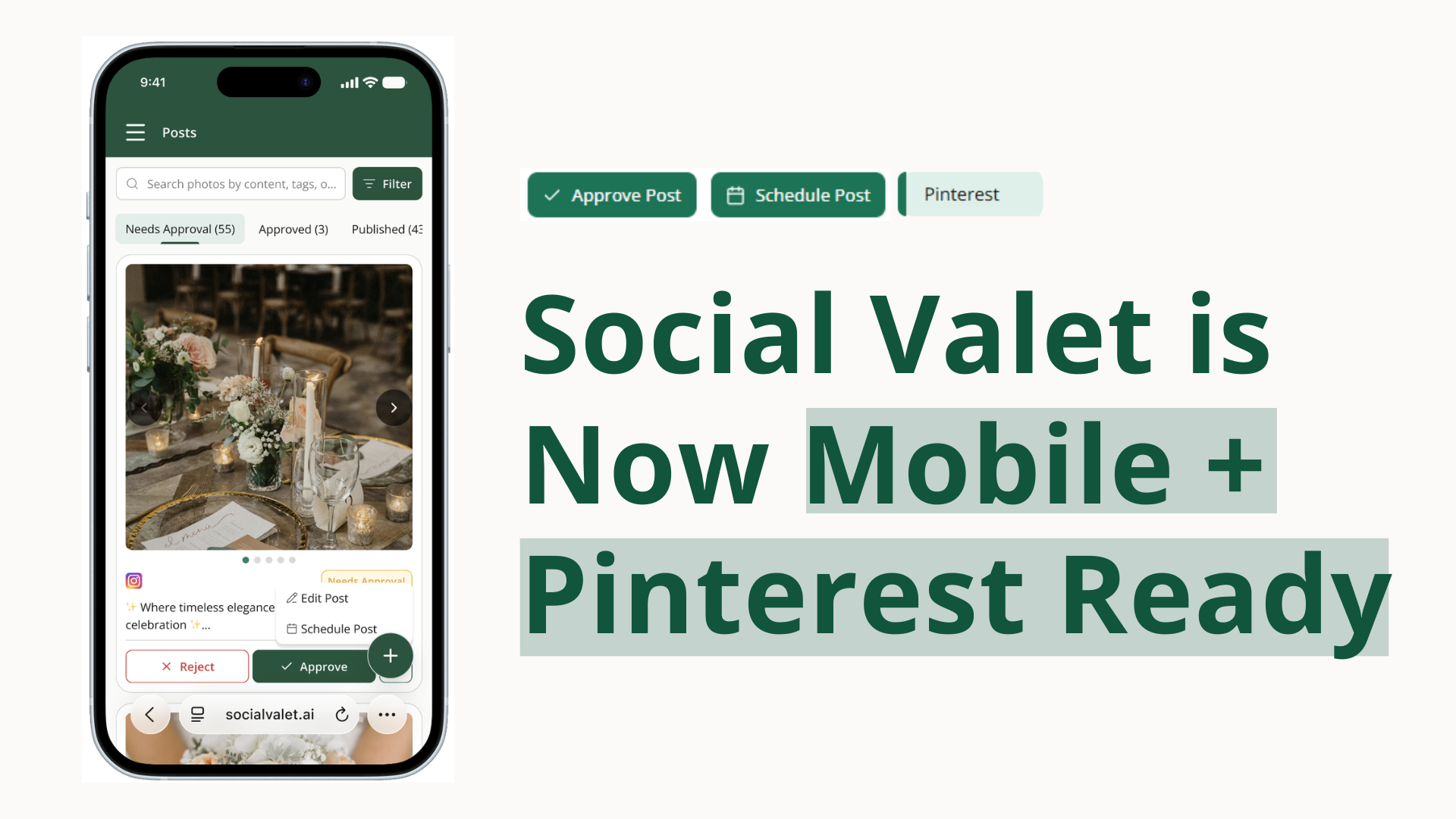
Intro: This release brings three major upgrades to Social Valet for wedding vendors. Social Valet is now mobile-friendly, Pinterest is now fully connected inside the platform, and you can now upload video content into albums and use it in your posting workflow.
You can now use Social Valet from your phone in a much more complete and reliable way.
Manage your account and content on mobile. Dashboard, albums, posts, calendar, settings, vendors, and brand voice are now far more usable on smaller screens, so you can keep work moving when you are away from your computer.
Move through setup and publishing flows more comfortably. Login, onboarding, album creation, album imports, blog-post work, and post review are all better adapted for mobile use.
Work with fewer mobile rough edges. Post-launch mobile fixes and mobile web improvements make the overall experience feel more stable and practical day to day.

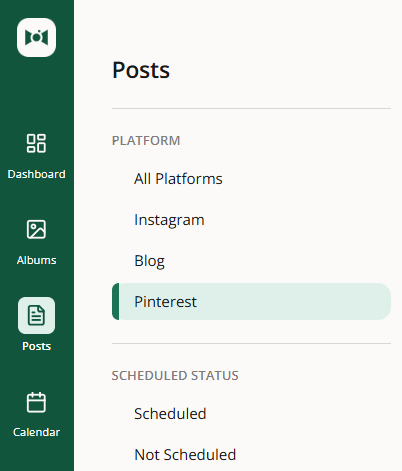
Pinterest is no longer a side workflow. It is now connected inside Social Valet so you can create, publish, manage, and track pins in the same platform you already use for the rest of your content.
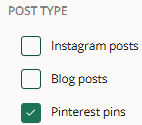
Connect Pinterest directly inside Social Valet. You can now link your Pinterest account, choose how Pinterest publishing should work, and set Pinterest-specific brand voice and website-link preferences.
Create and publish pins without piecing things together manually. Social Valet can generate pins from album content, schedule them automatically, suggest the right board, and publish them for you.
Stay in control when you want a hands-on workflow. You can manually create pins, preview and edit them before they go live, and backfill content when you need something more custom or timely.
See Pinterest alongside the rest of your content. Pins now appear in your posts workflow, on your calendar, in failed-post monitoring, and in analytics so it is easier to see what is scheduled and what is performing.
Video is now part of the Social Valet content workflow instead of something you have to manage outside the platform.
Upload video straight into your albums. Videos now live alongside your photos in album grids, with in-app preview so you can review them without leaving Social Valet.
Let Social Valet use video in content creation. Video can now be considered in content selection, and captions can be written to match video posts instead of only photo posts.
Post video to your social platforms more easily. Video content can now flow into Instagram and Pinterest publishing, and deleting a video also cleans up dependent scheduled posts so your queue stays accurate.
A few important workflow blockers have been cleaned up in this release.
Send album emails to everyone you intended to reach. Sharing an album now works more reliably when you are emailing all vendors at once.
Download photos more reliably. The production issue blocking some album downloads has been fixed.
Adjust Instagram posts with less friction. You can remove images faster while editing and build larger Instagram carousel posts with up to 20 images.
June 5th, 2026
New
Improved
Fixed

Intro: This release makes day-to-day content work smoother for wedding vendors. You can shape how Social Valet writes in more detail, generate captions faster, and review shared albums with more confidence before you copy or download anything.
Brand voice is now easier to manage without losing the personality that makes your business feel like you.
Preview how your voice sounds before you rely on it. Generate a sample Instagram caption or blog excerpt from your current settings so you can hear the tone before you publish.
Update one part of your voice without starting over. The new Brand Voice page breaks your voice into clearer sections, making it easier to adjust specific parts of how Social Valet writes for you.
Keep pending posts aligned with your latest voice. After major brand voice changes, Social Valet now gives clearer reminders when queued posts still need to be rejected and regenerated to match your newest settings.

A new caption workflow helps you move from idea to publish-ready copy with less back-and-forth.
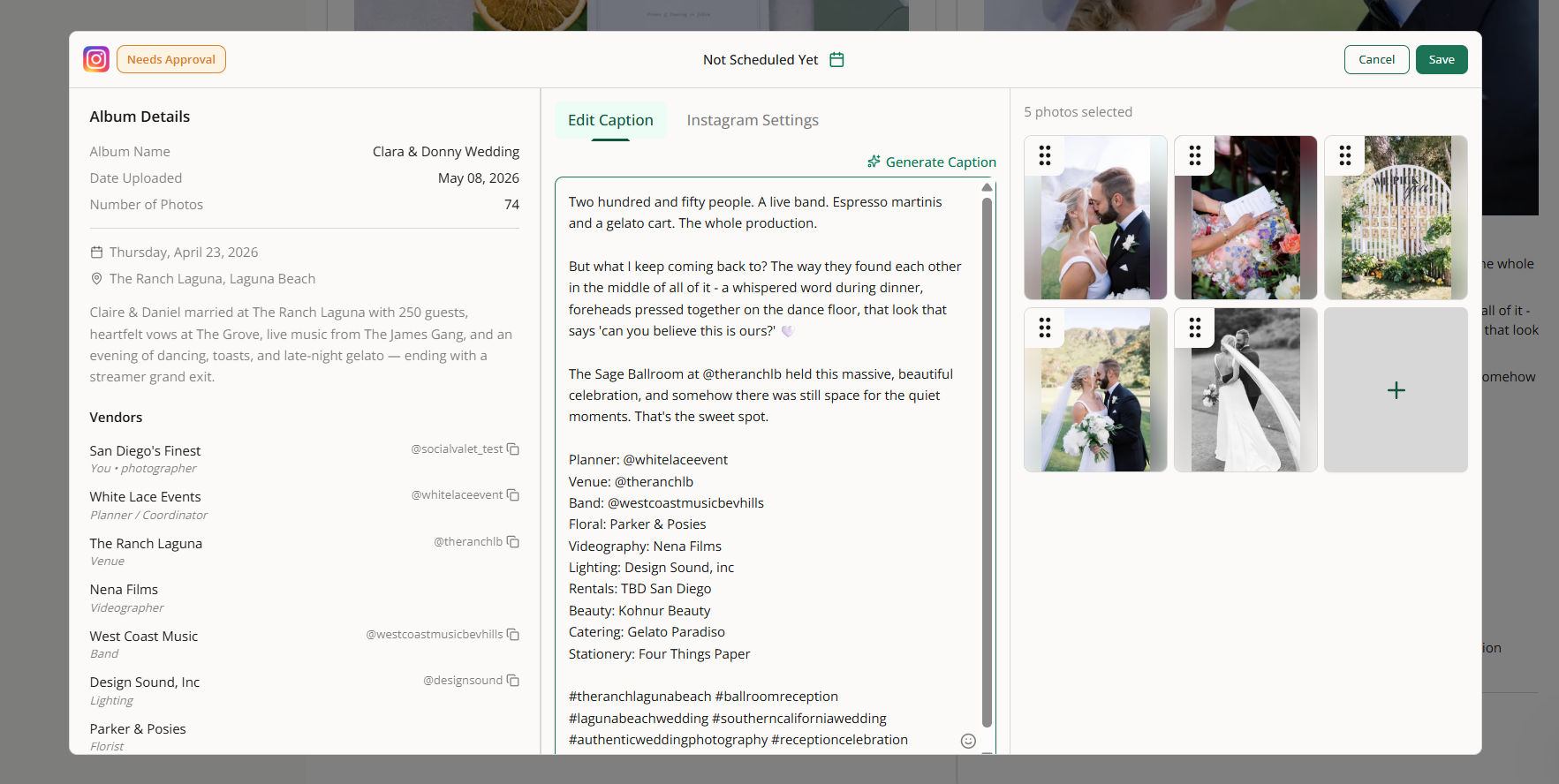
Generate captions where you already work. You can now create an Instagram caption from inside the post editor instead of leaving the page.
Start earlier in the workflow. Caption generation also works during manual post creation, so you can get polished copy sooner instead of saving first and coming back later.
Shared albums now give you more context and a smoother browsing experience before you decide what to copy or download.
See more detail on each image. Shared album list view now shows moments, descriptions, and tags so you can understand what you're reviewing at a glance.
Sort and filter before you import. Shared album previews now include familiar controls that help you narrow down the images you want to review first.
See full images more clearly. Shared album list views do a better job showing the whole photo, which makes scanning portrait and landscape images easier.
Download photos without adding the album first. If you already have a Social Valet account, you can still grab the files you need without bringing the album into your workspace.
Move through shared albums more smoothly. The image-copy flow uses a steadier grid layout, and shared album grids no longer suggest clicks where no action is available.

May 27th, 2026
New
Improved
Fixed

Intro: This release makes day-to-day publishing in Social Valet more complete and dependable. You can now see more of your Instagram history in one place, recover more quickly when access or billing needs attention, and run into fewer blockers when posting or joining shared albums.
Instagram activity is easier to review without bouncing between tools.
Bring externally published Instagram posts into view. Posts you published outside Social Valet can now appear in your published posts area, so your Social Valet view more closely matches what your audience actually sees on Instagram.
See those posts on your calendar. Past posts published directly on Instagram now show on the day they went live, giving you a more complete picture of your recent publishing activity.
Open external posts in a safe read-only preview. You can review captions, media, and engagement details in Social Valet, then jump to Instagram when you need to make changes there.
Note: this is only for posts since you connected your instagram account to Social Valet.

If your subscription is missing or your billing needs to be updated, Social Valet now does a better job taking you to the right place instead of leaving you at a dead end. That means less confusion when you need to finish setup or fix a payment issue so you can get back to work faster.
Posts that would have failed because of unsupported Instagram image sizing are handled more gracefully, helping reduce repeated publishing errors and making it easier to get posts out without trial and error.
People coming in from shared album links can now move between sign up and log in more reliably, and the flow for adding a shared album to an account is more dependable. That helps new users get into their album faster with less friction.

We refreshed the Terms of Service shown in Social Valet so the in-app terms better reflect the current product and account experience.
May 20th, 2026
Improved
Fixed

This release makes day-to-day work in Social Valet feel more dependable. Wedding vendors should see smarter moment-based post generation, smoother album publishing, and fewer interruptions when refining their brand voice.
Post generation now uses Moments with more detail, giving the system better context for both writing and image selection.
Generate posts that stay true to the Moment. When Social Valet creates a Ceremony post, it can now stay focused on Ceremony photos instead of pulling from the full album, helping each post feel more relevant to the story it is meant to tell.
Write stronger captions and choose better photos. The system now knows how many images exist in each Moment and uses that context during planning and selection, which helps it recommend more realistic posts, write more accurate captions, and pick photos that fit the post better.
Keep flexibility when a post is broader. When a post is meant to be more general, Social Valet can still use the full photo set so broader content does not get boxed in unnecessarily.

If an album has fewer than 10 images, it can now still move into publishing and generate posts the way you would expect.
Updating a vendor in the album details section now changes the existing vendor entry instead of accidentally adding a duplicate during the album creation flow.
Longer brand voice inputs can now go through more reliably in the refine or retrain text box, making it easier to update your voice without having to cut down the content first.
May 15th, 2026
Improved
Fixed

Intro: This release makes the calendar easier to use on smaller laptop screens. Wedding vendors can see more of their week at once and reschedule posts with more confidence.
The calendar now fits smaller laptop screens more comfortably, so you can review your full week without awkward side-scrolling. Post cards also behave more cleanly while you reschedule content, with better visibility, smoother dragging, and a less crowded layout when you're working through your posting plan.

May 11th, 2026
New
Improved
Fixed

Intro: This release helps wedding vendors make schedule changes faster, clean up vendor details with less friction, and avoid publishing interruptions when account data needs attention. It also improves a tricky PDF import case so album setup feels more dependable.
Planning changes happen constantly during wedding season, so this release makes it much quicker to adjust your queue without slowing down your day.
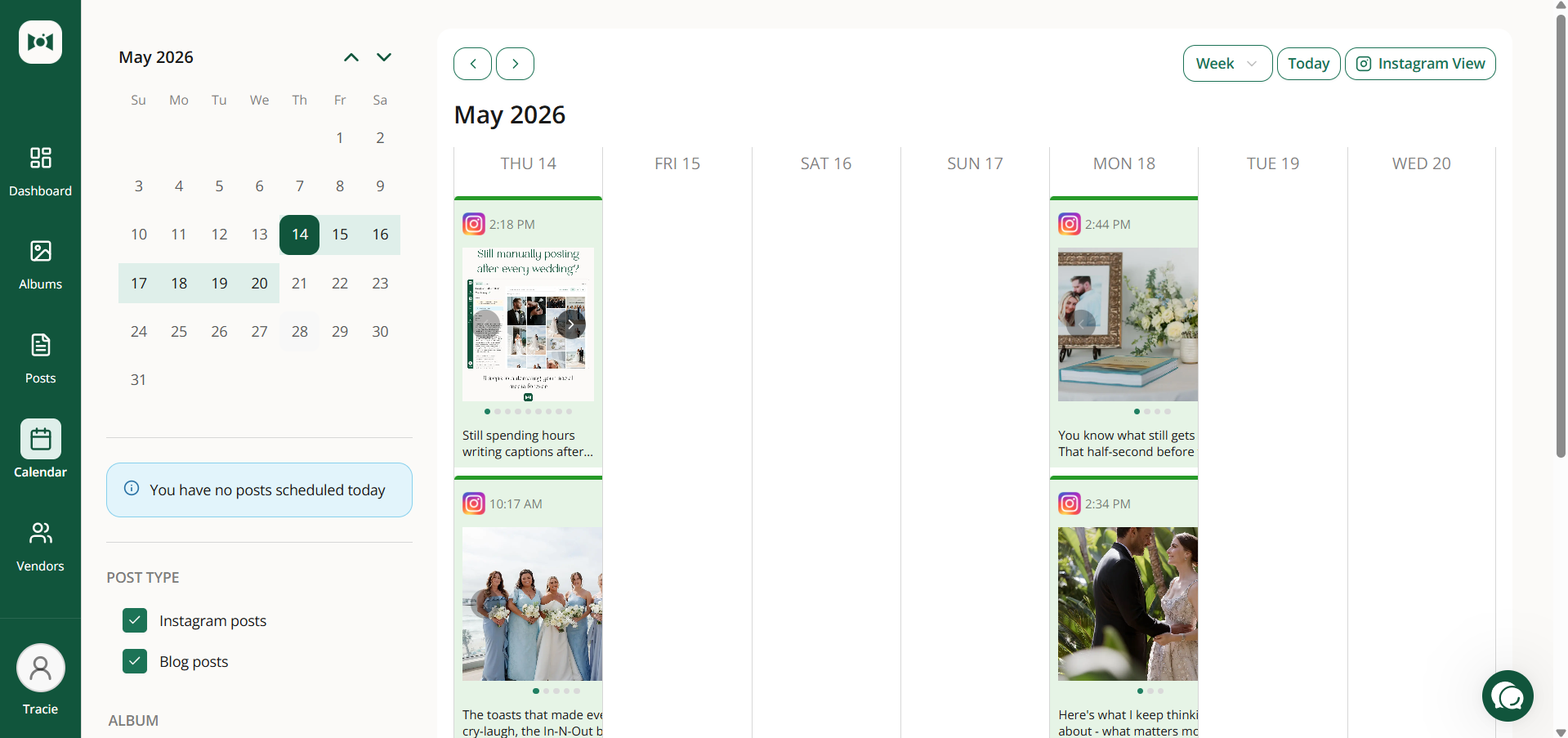
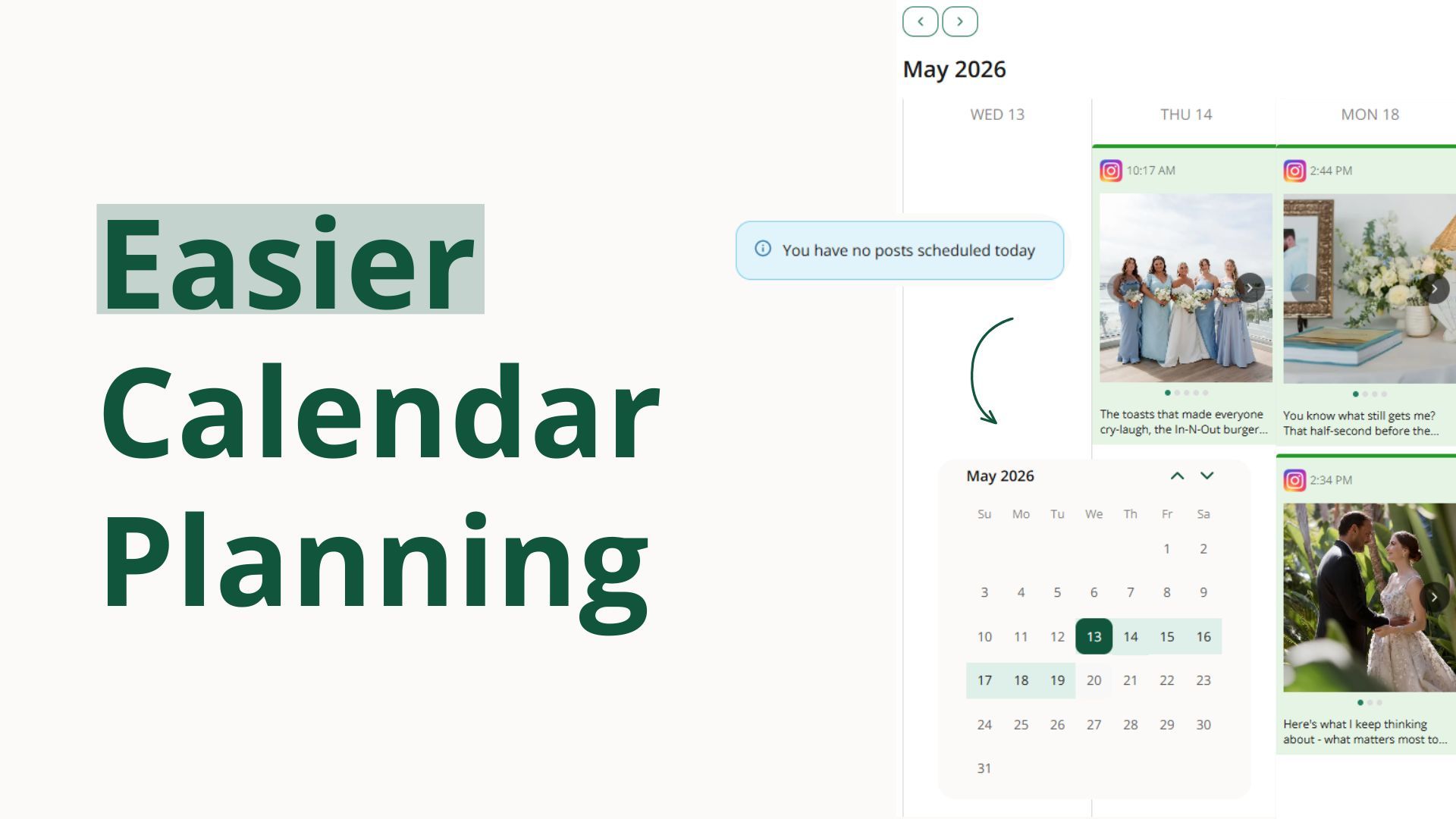
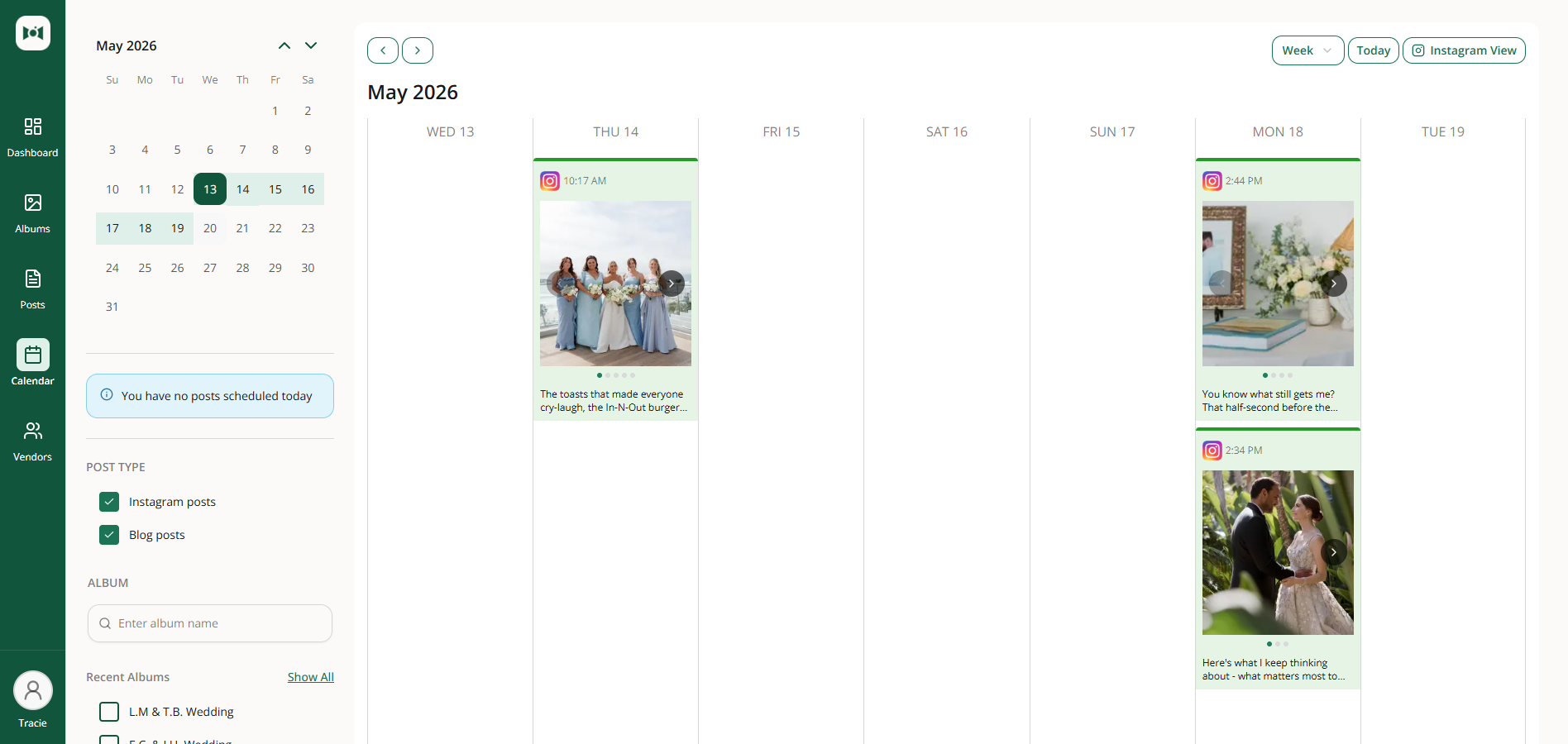
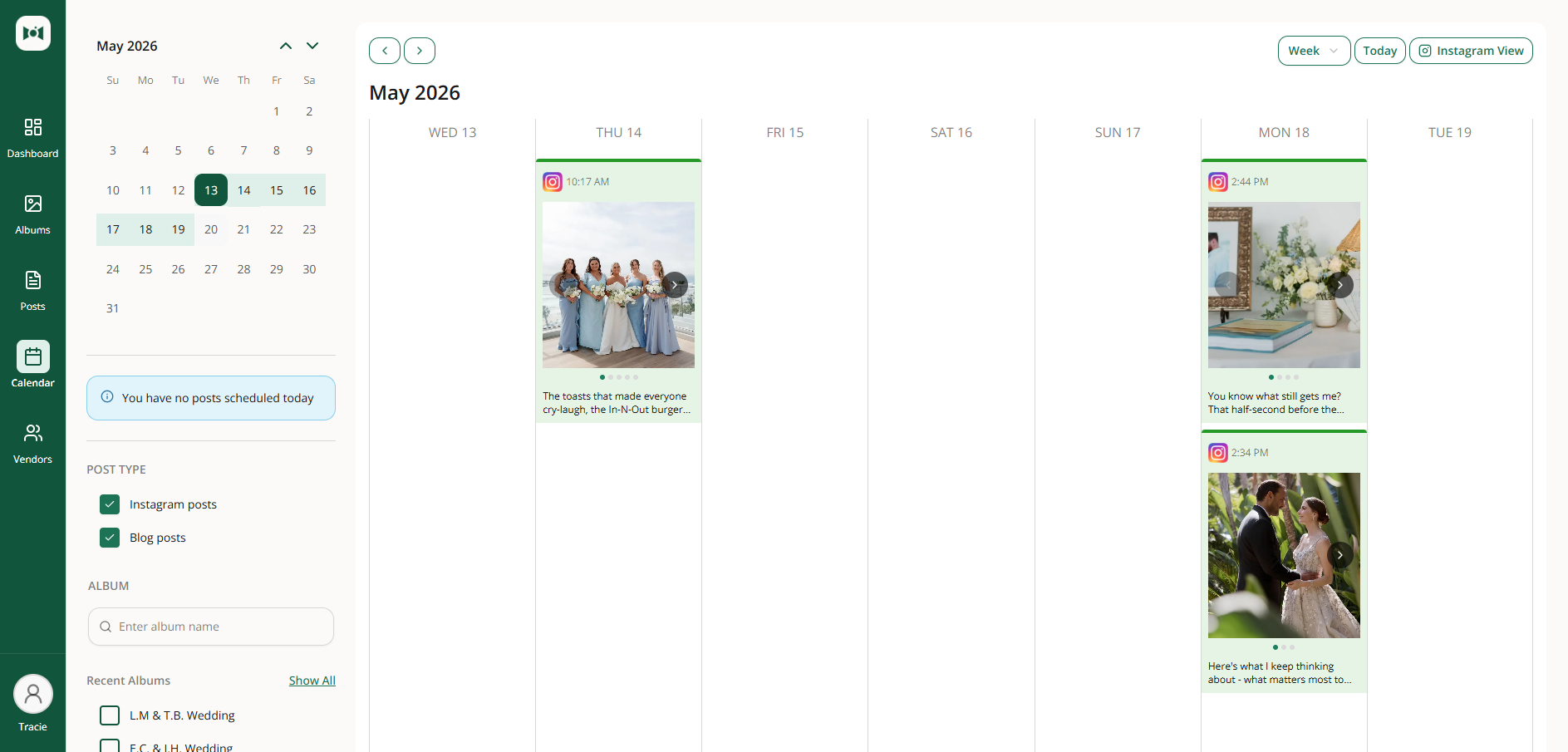
Drag posts to a new day on the calendar. On both week and month views, you can move a scheduled post just by dragging it, and Social Valet keeps the time of day intact.
Rearrange your Instagram grid before posts go live. Move scheduled posts into a new spot and the surrounding schedule adjusts automatically, while already-published posts stay locked in place.
Jump straight to the week you want to plan. Pick any date from the mini calendar and the week view shifts instantly so you can see that seven-day window.

Vendor details are easier to trust now, especially when you're working quickly inside an album.
Vendor role changes now stick from the album view. If you update a vendor's role while working inside an album, that change now saves correctly everywhere the vendor appears.
Deleting a vendor is clearer and safer. You can now review the impact first, remove a vendor from just one album when needed, or fully delete them with clear confirmation.

A bad Instagram tag should not derail a scheduled post. This update keeps publishing moving and makes the next step clearer when something needs attention.
Scheduled posts can still go out on time. If a tagged Instagram account cannot be used at publish time, Social Valet can remove that tag, publish the post anyway, and point you to the vendor details that need to be fixed.
Some PDFs with table-heavy layouts now import more reliably during album setup, making it easier to pull in event details without as much manual cleanup.
May 1st, 2026
New
Improved

This release gives wedding vendors more control over when content publishes, more flexibility to organize albums around their own style and market, and a steadier posting cadence. Plus a handful of polish updates across the album and post experience.

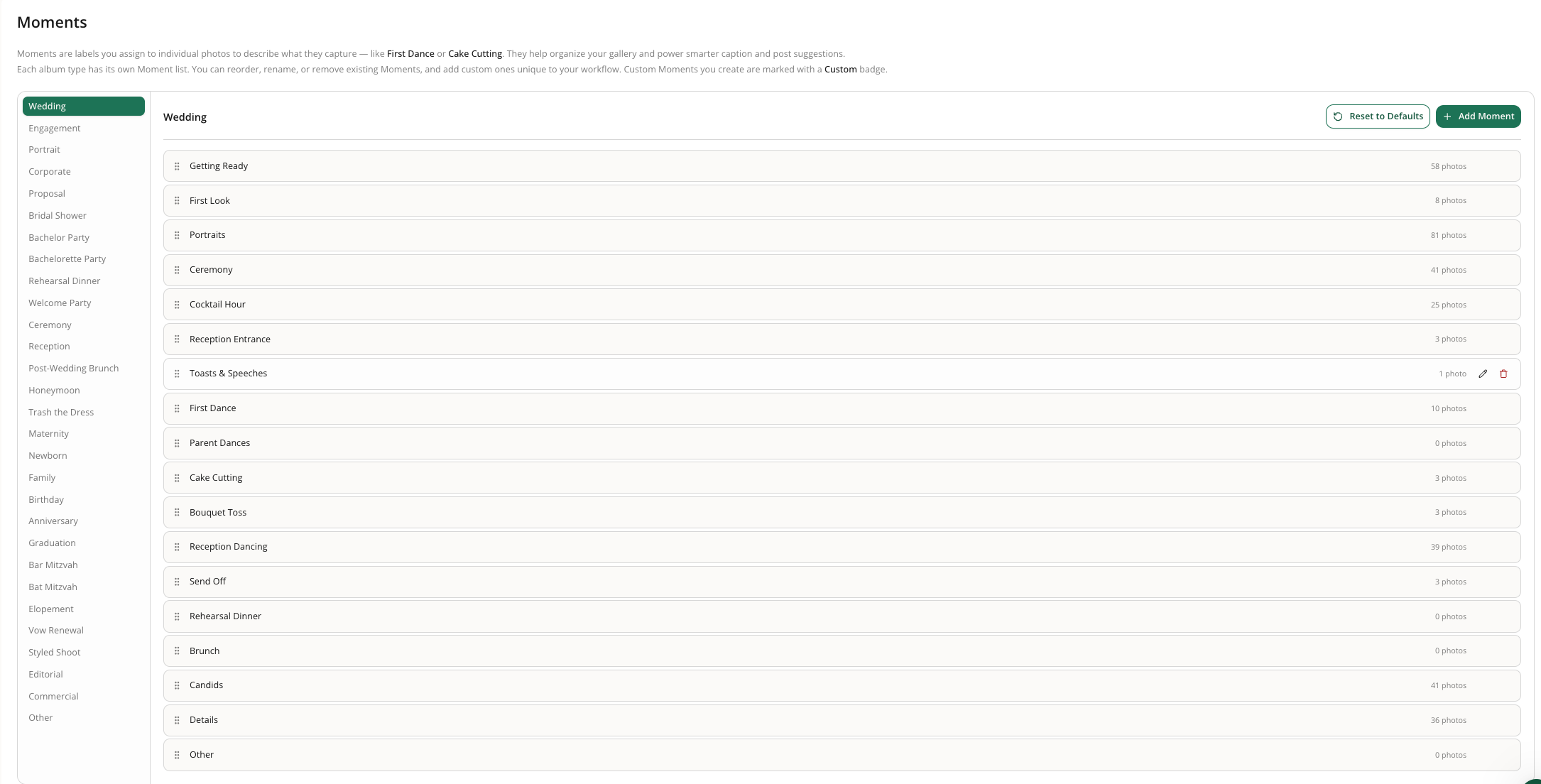
Moments help you organize photos within an album β getting ready, ceremony, first dance, and so on. With this release, your moments list is yours to shape, and they're more visible throughout the app.
Manage your moment list in Settings. Add, rename, remove, reorder, and reset your moments so they match your style and workflow.
Moments tailored to your market. Each business has its own moment list instead of sharing a global one, so you can organize weddings around your region, traditions, and preferred language.
Spot moments at a glance. Moments now appear as clear labels in both the lightbox and list view, with a visible empty state when no moment is set.
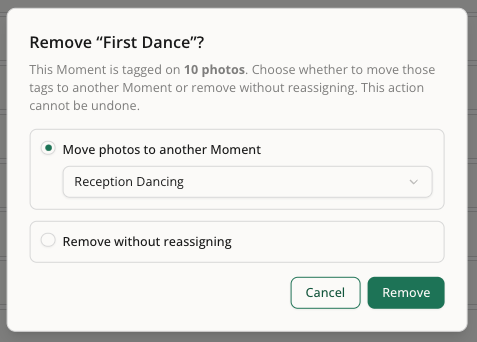
Reassign photos before deleting a moment. Move tagged photos to another moment before removing one so you don't lose your organization work.

Create moments with less setup. Just enter the name β Social Valet handles the rest.
Captions match your moments. Instagram captions and blog content now better reflect your custom moments, including regional or style-specific ones, so generated content feels more true to the event.

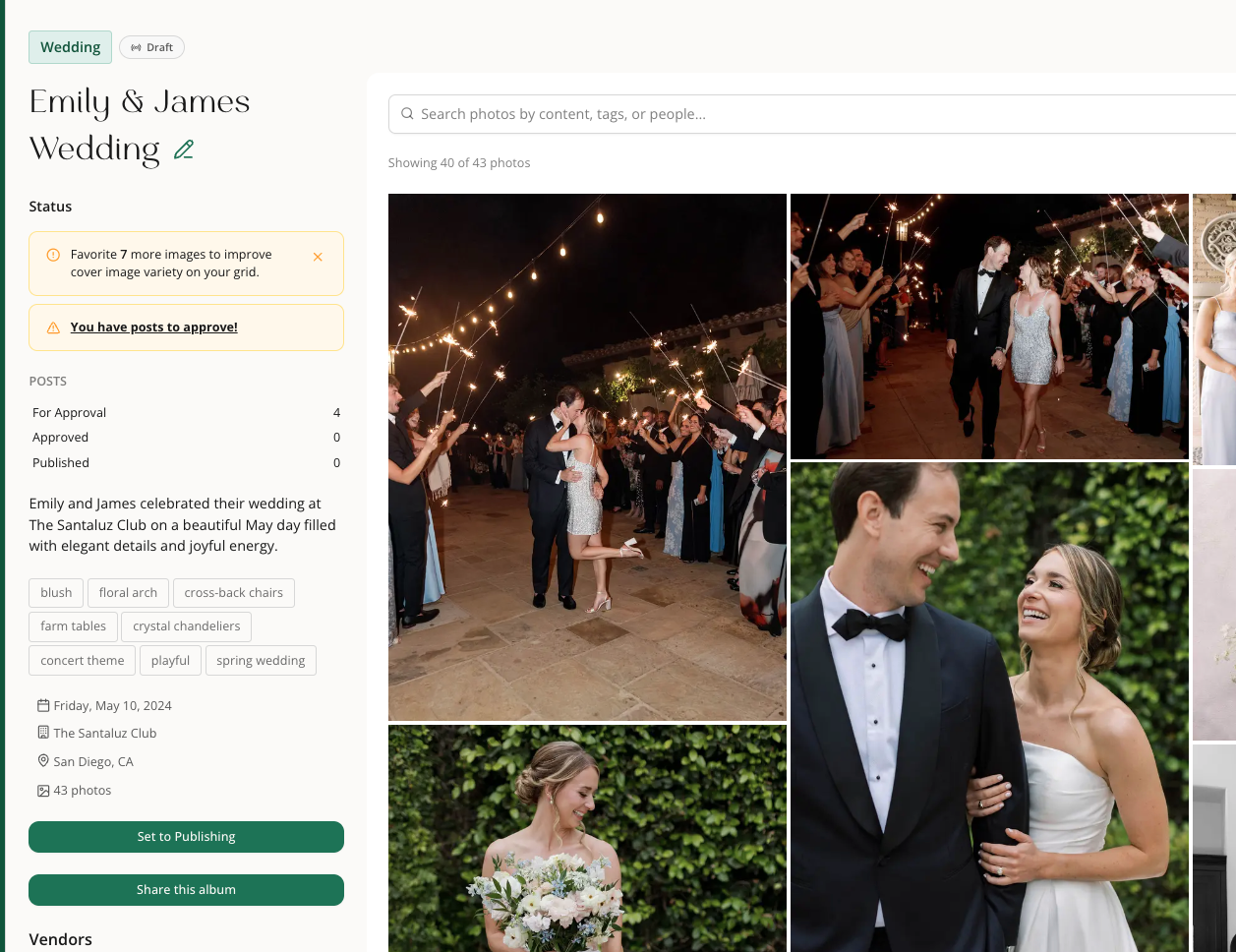
You're now in the driver's seat on when an album starts generating and publishing content. No more posts kicking off before an album feels ready.
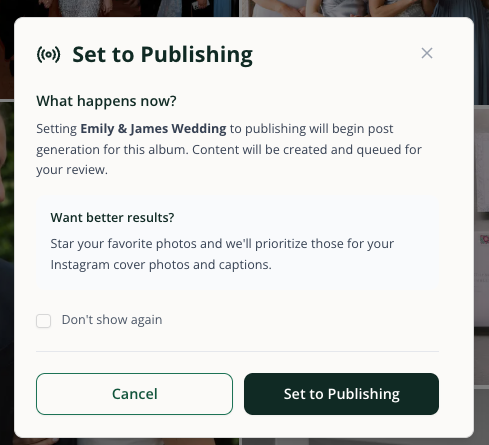
Authorize an album for publishing when you're ready, and move it back to draft if plans change. Post generation now waits for your go-ahead instead of starting at album creation.

The "back to draft" option lives in the three-dot menu so it stays out of the way until you need it.
Filter albums by Draft or Publishing status to keep track of what's ready to go and what still needs your attention.
Clearer next steps after upload. The album-created popup now explains that you should review your images and authorize publishing before posts are generated.
Less clutter in album alerts. Outdated and misplaced prompts have been removed from album pages so the view stays focused on the work that matters.

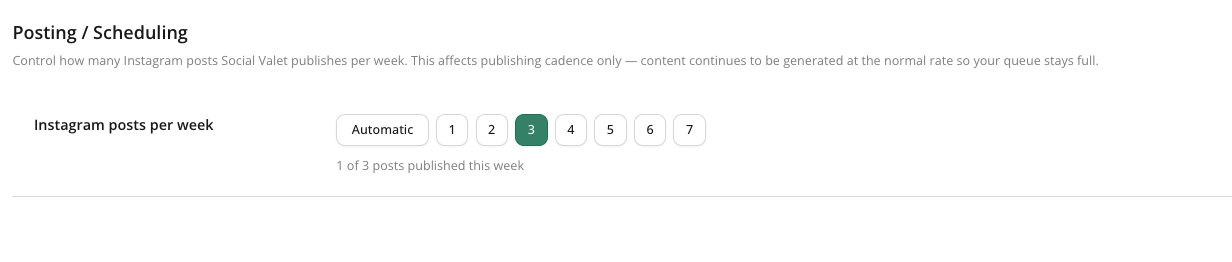
You can now choose how many Instagram posts Social Valet publishes each week instead of being locked into the default pace. Once you set a weekly limit, scheduling respects it β your queue can keep building in the background, but publishing waits for the next available slot so your cadence stays consistent.
You can now favorite an image and set it as the album cover directly from the larger photo preview, making it faster to pick standout images without jumping back and forth.
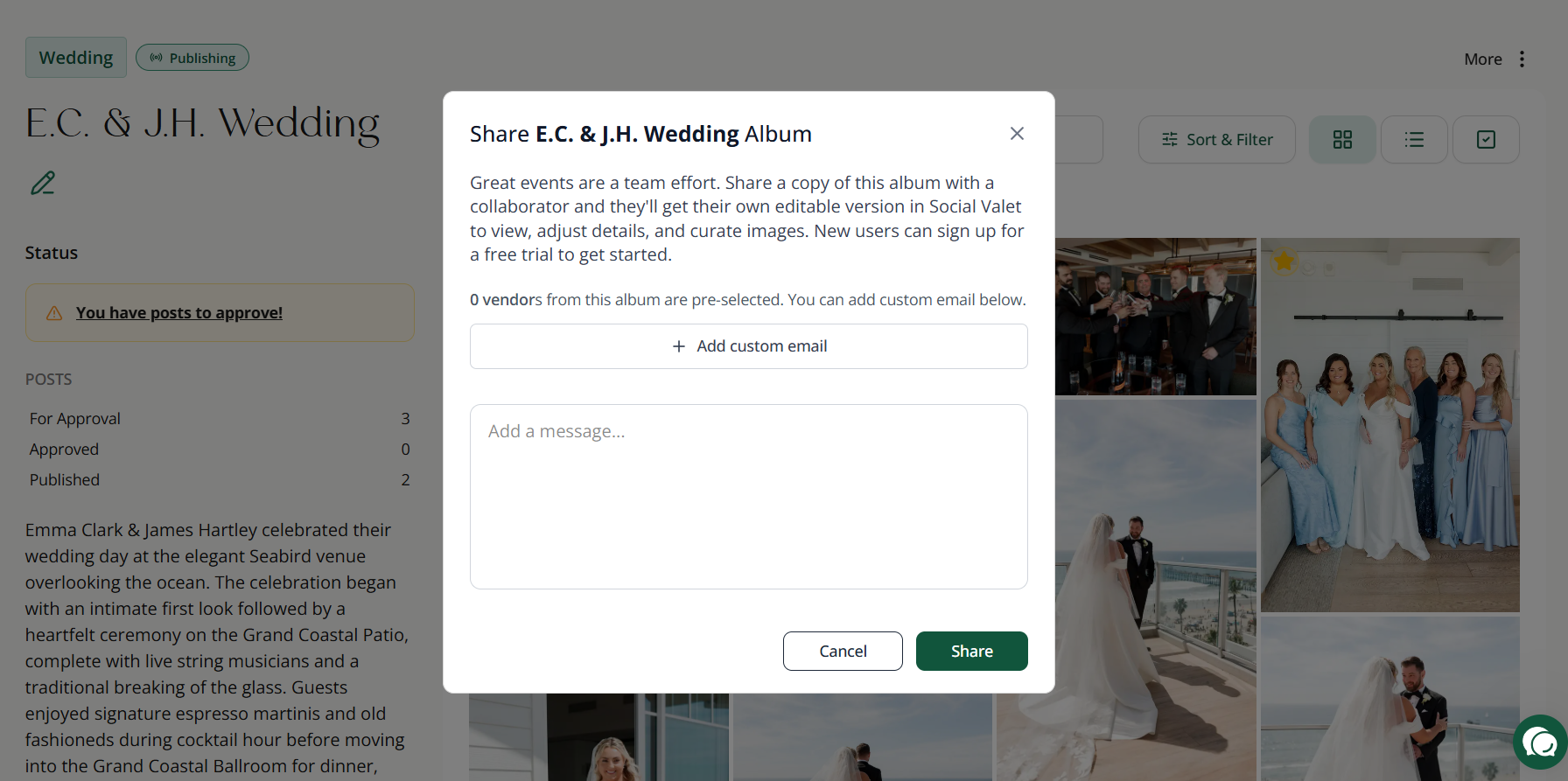
The album sharing message now does a better job explaining what collaborators get when you share a copy, setting clearer expectations and making the handoff feel more straightforward.
Social Valet now supports Stylist, Content Creator, and Hair & Make-Up as vendor roles, and simplifies Venue Coordinator to Venue β making profiles feel more accurate for the way wedding pros actually describe their work.
The New Post button is now more balanced and easier to scan. Small change, but it makes the post creation area feel tidier and more intentional.
April 24th, 2026
New
Improved
Fixed

This release gives wedding vendors more control over the people tied to each event, clearer next steps when publishing runs into trouble, and faster ways to clean up albums before content goes live. It also adds more guidance during setup so it's easier to get moving with confidence.
You can now manage subjects throughout the full album workflow, so it's easier to keep the right people connected to the right content.
Add subjects from the start. You can now add people during album creation, including their role and Instagram handle.
Pull subjects from your uploaded materials. Social Valet can now look through planning docs and other uploaded files to identify subjects for you during setup.
Review subjects on the album itself. Subject details now appear on the album page so you can quickly confirm who is connected to the event.
Edit subjects later without starting over. You can add, update, and remove subjects from album details after an album has already been created.
Use subjects while editing posts. Subject tags, mentions, and collaborator choices now show up directly in post editing and manual post creation.
Get smarter caption generation. Post generation now uses subject details so captions, mentions, tags, and collaborators can better match the people featured in the event.
See cleaner tagging rules across the app. Vendors and subjects are organized more clearly, collaborator previews are more accurate, and posts now respect the cap on total tagged accounts.

When a post fails, it's now much easier to understand what happened and what to do next.
See failed posts only when they actually exist. A Failed tab now appears on the posts page only when there's something that needs attention.
Open a clear failed-post detail view. Failed posts now show a dedicated view with the reason, the original scheduled date, and clear recovery actions.
Move a failed post back to Approved or delete it. Recovery is now built into the workflow instead of leaving you stuck.
Get better alerts when a connection issue blocks publishing. Critical dashboard alerts and email notifications now do a better job guiding you back to the right fix.
Jump straight from an alert to the problem post. In-app notifications now link directly to the post that needs attention.
Avoid false alarms when you disconnect a platform on purpose. Intentional disconnects are now handled more gracefully so they don't feel like publishing failures.
This release adds quicker ways to remove, download, and organize images without extra clicks.
Remove one image right from preview. The delete action for a single photo now lives on the preview screen where it's easier to find.
Remove images from a post with one click. You can now quickly drop an image from a post directly from the image area instead of reopening the full selector.
Delete or download multiple photos at once. Multi-select on album preview now supports bulk delete and bulk download.
Stop seeing the "upload 10 images" reminder once you've already done it. Albums with enough photos now hide that prompt correctly.

Setup is now more forgiving and easier to move through when you're editing details or bringing in a lot of information.
Edit vendor details without re-entering everything. Existing vendor information now fills in properly when you open it for editing.
Get clear feedback if album details are too large to analyze. Large inputs no longer fail silently, which makes it easier to correct the issue and keep going.
New explainer videos now give you more context while you're setting up your account and brand voice.
Watch a brand voice explainer where you need it. Brand voice screens in onboarding and settings now include help video support.
See a welcome video at the end of onboarding. The final onboarding screen now gives new users a clearer handoff into their next step.
Regenerated image descriptions are now kept shorter and more consistent, making them easier to review and work with.
April 17th, 2026
New
Improved
Fixed

This release gives wedding vendors better ways to organize photos, cleaner guidance while moving through album setup, and more confidence that content creation and publishing will keep moving. It also smooths out a handful of everyday workflow issues that could slow you down.
You now have more control over how photos are labeled, reviewed, and updated inside an album.
Add a Moment to each photo. Photos can now carry a Moment label so you can keep images organized around the parts of the event that matter most.
Let Social Valet suggest Moments for you. During image analysis, Social Valet can now recommend the best Moment for each photo so albums start out more organized with less manual cleanup.
Filter and sort by Moment. You can now narrow an album to specific Moments or sort photos in a more natural event-day order.
Update many photos at once. Bulk editing now makes it much faster to apply Moment and tag changes across multiple images.

Creating an album now feels clearer and more forgiving, especially when you're working quickly or jumping between tabs.
Use a cleaner album creation flow. The album setup experience now has a more consistent layout, clearer actions, and better guidance as you move from details to upload.
Keep image analysis moving even if you leave the page. If you lose connection, close the tab, or navigate away after uploading, Social Valet will still continue the analysis process instead of leaving the album hanging.
See the album-created message only when it makes sense. The informational message tied to a new album now appears at the right moment instead of showing up every time you reopen an album.
Get clearer guidance right after creating an album. The post-creation popup does a better job setting expectations for what Social Valet is doing next and how to work with your images.
Several vendor-related fixes make it easier to keep the right people attached to the right work.
See cleaner vendor search results. Duplicate vendor options have been removed from the add-vendor experience so it's easier to choose the right person once.
See new vendors immediately. When you add a vendor, the list now refreshes right away so you don't have to reload the page.
Include all album vendors during manual post creation. The manual post creation screen now brings in the full vendor list instead of showing only part of the event team.

This release improves reliability when Social Valet is creating or publishing content behind the scenes.
Get better protection against silent generation failures. If posts or blogs can't generate after album analysis, the system now does a better job catching the problem and surfacing clearer failure handling.
Reduce certain publishing failures tied to vendor data. A publishing issue caused by incomplete tagged-vendor information has been fixed, helping scheduled posts move through more reliably.
Understand the Posts page more quickly. A new informational popup helps explain how approval, scheduling, and publishing work so it's easier to know what happens next.
Social Valet now gives clearer feedback when your internet connection drops and does a better job refreshing data when you're back online.
Know when you're offline. You'll now see a clear disconnected state instead of wondering why the app stopped updating.
See fresher information after reconnecting. Once your connection returns, active pages refresh so you aren't stuck looking at stale data.